Project and Lab Instructions (Downloads Below)
Mac
- Click the
.zipfile corresponding to current project below to download it. - Double click the
.zipfile and open the folder that appears.
Windows (Follow these!)
1. Click the .zip file corresponding to current project below to download it.
2. Click the file to highlight it in blue.
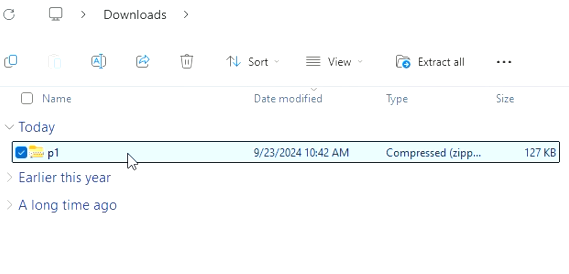
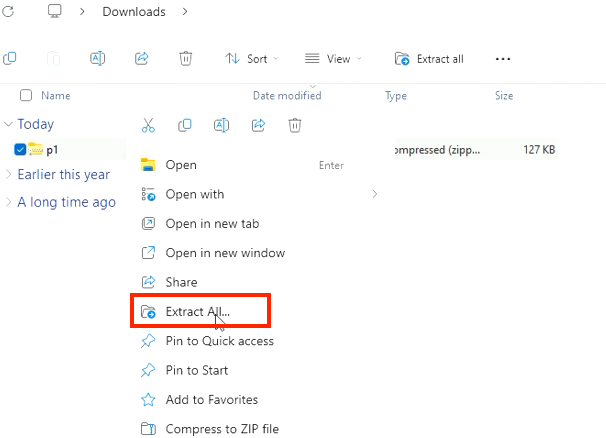
3. Then, right-click the file to open a menu and select "Extract All..."
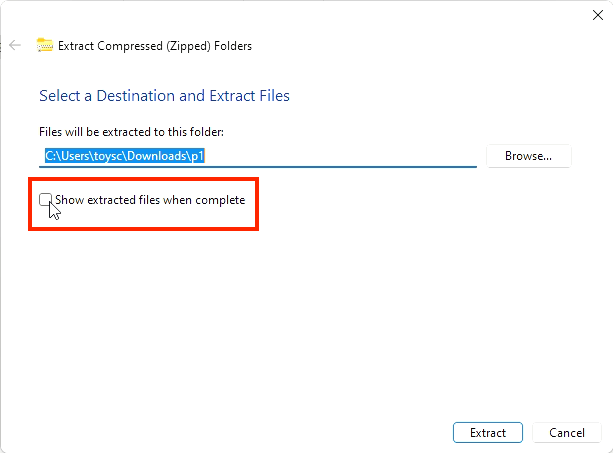
4. In the pop up, deselect the check box.
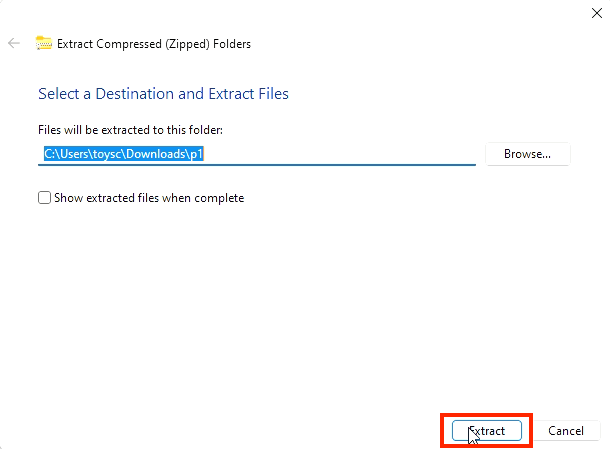
5. Select "Extract"
6. Now you have both a zipped (original) and unzipped folder. Click the folder with the zipper icon  .
.
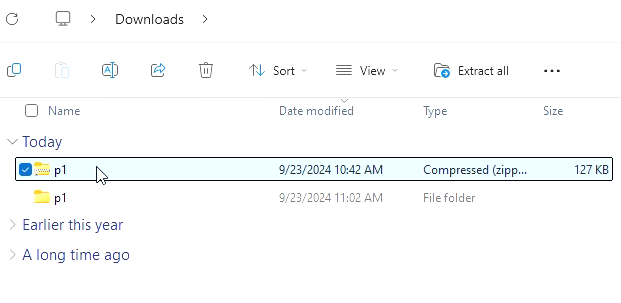
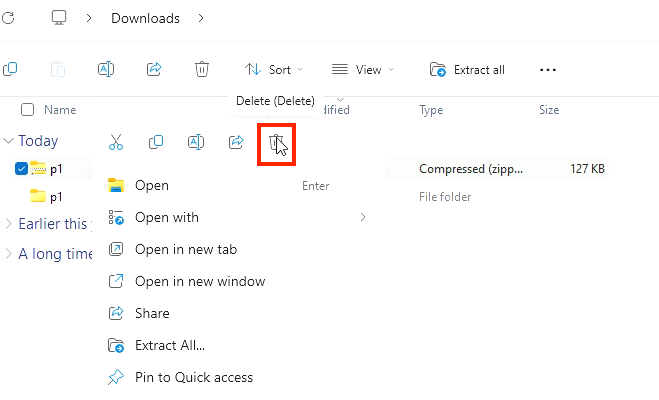
7. Then, right-click the file to open a menu and select the trash can.
Assignment Files
In [ ]: